In Onsight Pro you are able to set a single billing day to manually process your EFT memberships. Make this a number that takes place each month (1-28). This date also represents how dues can be prorated depending on when a customer signs-up for a memberships. See the steps below:
1. Navigate to the Settings (🔧) icon

2. Click "Manage Facility"

3. Click "Payment Gateway"

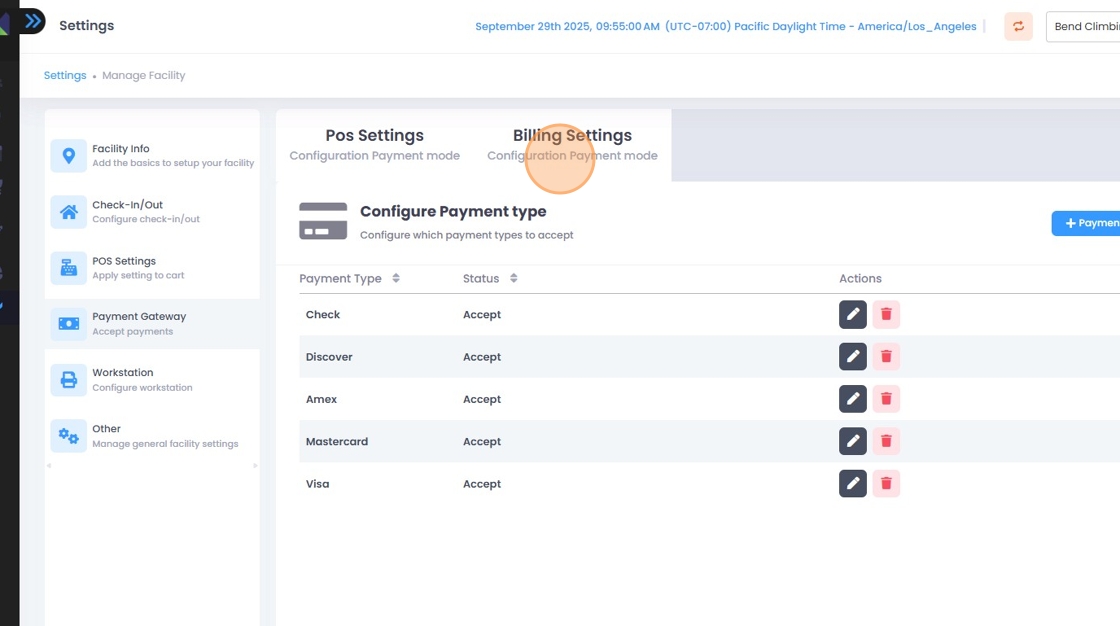
4. Click on the Billing Sections tab
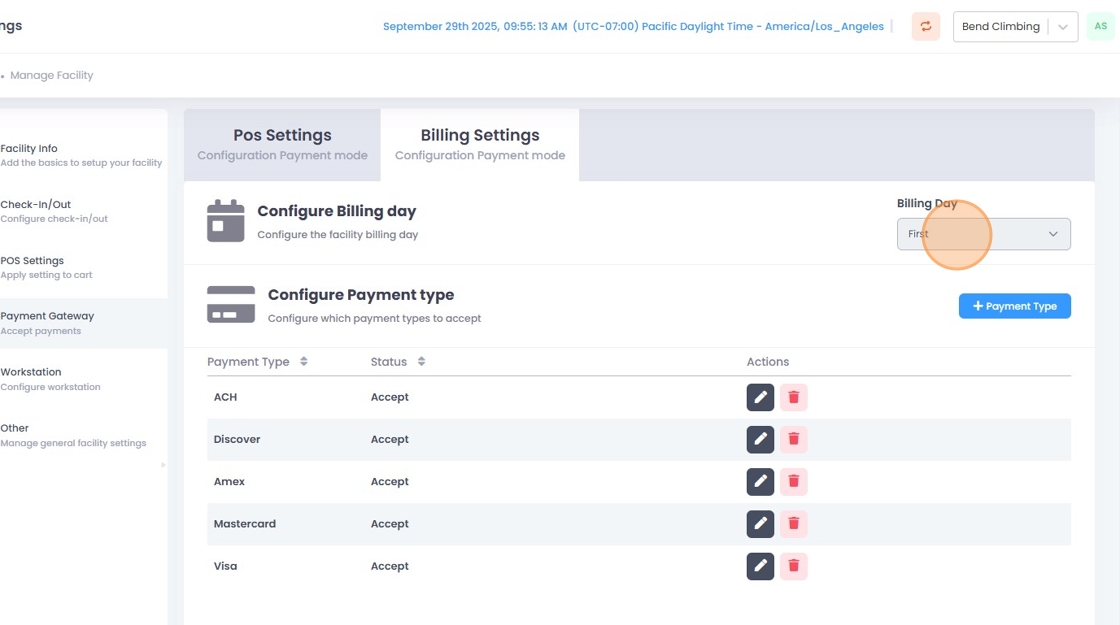
5. On the drop-down menu underneath Billing Day, select the day you want all monthly members to be charged as well as the date a month will be prorated on.
Made with Scribe
Related to